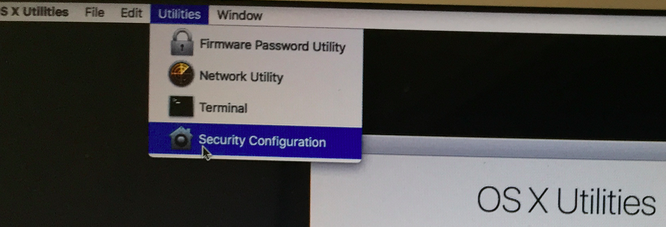
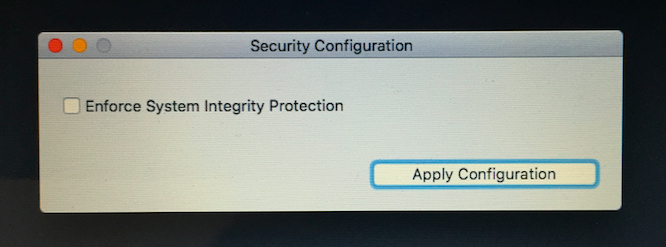
The supported way to disable System Integrity Protection in those cases where it’s truly necessary is to boot into the Recovery partition and turn System Integrity Protection off from there with the csrutil tool.
$ csrutil
usage: csrutil <command>
Modify the System Integrity Protection configuration. All configuration changes apply to the entire machine.
Available commands:
disable
Disable the protection on the machine. Requires a reboot.
enable
Enable the protection on the machine. Requires a reboot.
status
Display the current configuration.
Samples:
/usr/bin/csrutil disable
Or
Turning off System Integrity Protection
If you choose to change the System Integrity Protection setting, this feature is turned on or off by rebooting into recovery mode (hold CMD and R when rebooting), and then choosing Utilities -> Security Configuration and unchecking the Enforce System Integrity Protection checkbox.